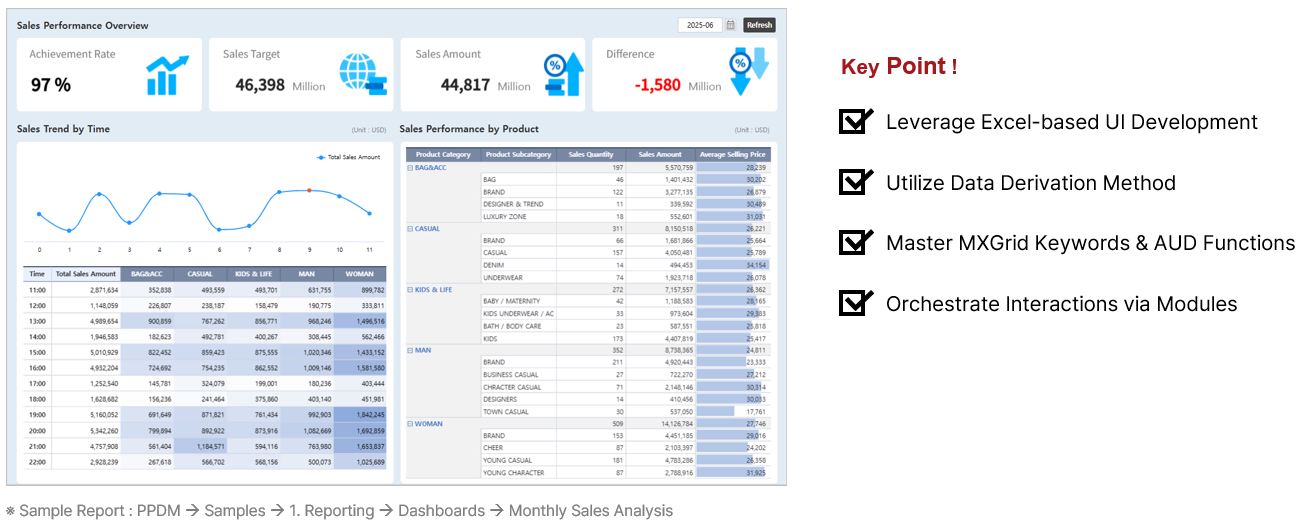
Download Practice Template To study the practice example above, use the following report by saving it with a new name. - How to Use the Template:
- Launch the report from the portal.
Template Path : [PPDM] > [Templates] > [1. Reporting] > [Dashboards] > Template_Monthly Sales Analysis
- Click the Save As
 button in the top right to save it to your working folder. button in the top right to save it to your working folder.
- Run the saved report.
- Click the Edit Report
 button in the top right to launch the Designer window. button in the top right to launch the Designer window.
|